
Retro gaming techniques have become essential knowledge for anyone serious about classic video games. Whether someone dusts off an old NES or fires up an emulator, the approach matters. These methods bridge decades of gaming history and let players experience titles the way developers intended, or discover entirely new ways to break them.
The appeal is simple. Classic games demand different skills than modern releases. They punish mistakes harder, reward pattern recognition, and often hide secrets that took communities years to uncover. Understanding the right techniques transforms a frustrating session into something genuinely satisfying.
This guide covers the core methods every retro gaming enthusiast should know. From hardware choices to speedrunning tricks, these approaches will sharpen skills and deepen appreciation for gaming’s golden eras.
Table of Contents
ToggleKey Takeaways
- Retro gaming techniques require choosing between original hardware for authenticity or emulators for convenience and modern enhancements.
- Mastering classic D-pad controls and frame-perfect button timing is essential for success in older games that punish mistakes harshly.
- Speedrunning communities have documented exploits like wrong warps, memory overflows, and clipping that reveal hidden depth in retro titles.
- Proper cartridge and console maintenance—including cleaning contacts with isopropyl alcohol and replacing failing capacitors—keeps vintage equipment functional for decades.
- CRT televisions display retro games as originally intended, while modern displays require quality scalers like RetroTINK to minimize input lag and visual issues.
Understanding Authentic Hardware and Emulation
The first decision any retro gamer faces is hardware versus software. Both paths lead to classic gameplay, but they offer distinctly different experiences.
Original Hardware
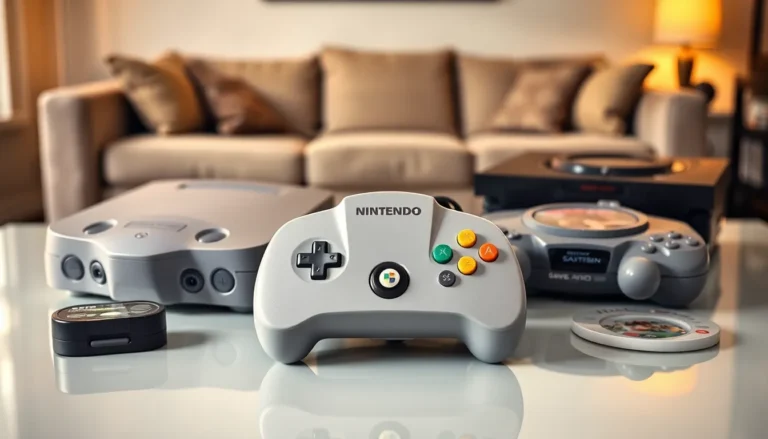
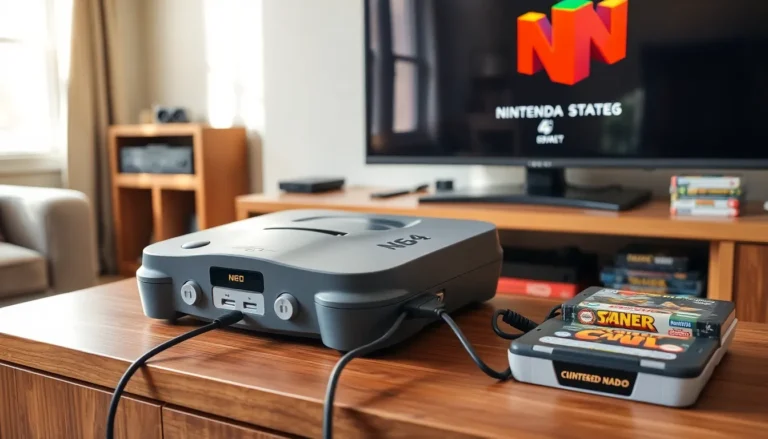
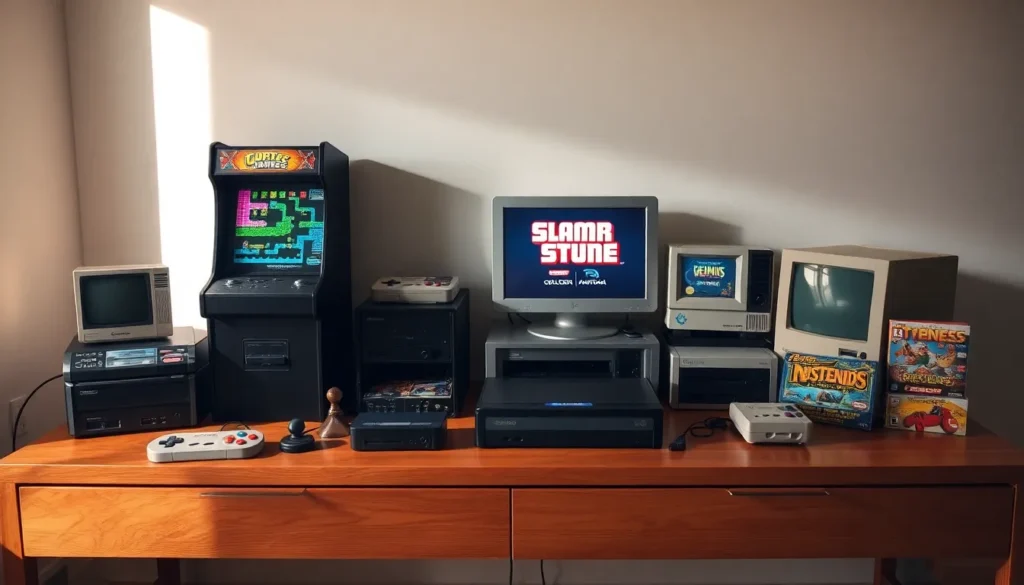
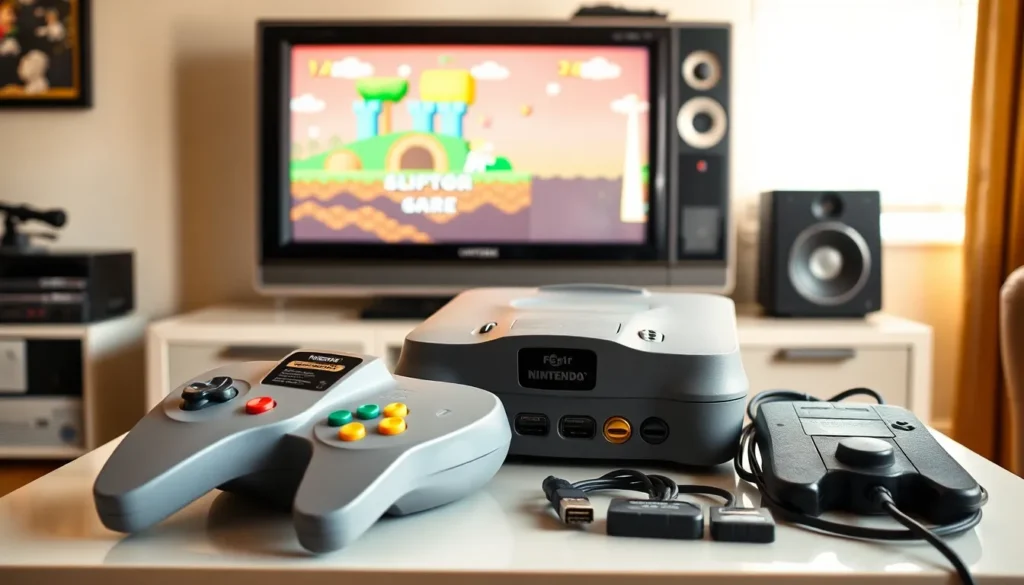
Playing on original consoles delivers the most authentic experience. A real Super Nintendo connected to a CRT television displays games exactly as designers saw them. Input lag drops to nearly zero. Colors render with the soft glow that LCD screens can’t replicate.
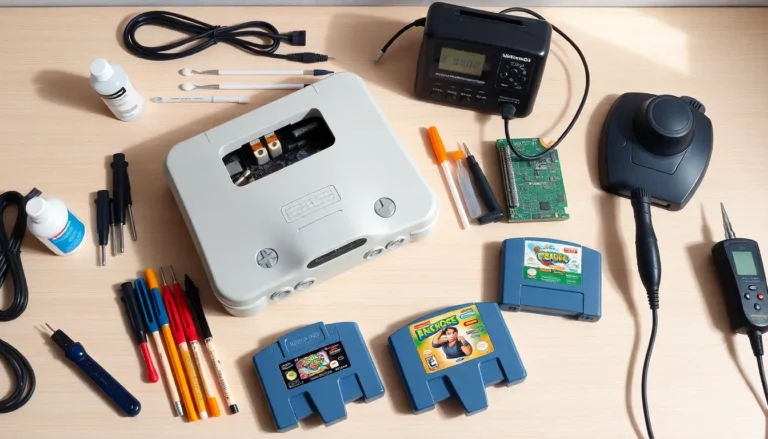
Retro gaming techniques on original hardware require some investment. Consoles need cleaning, capacitors sometimes fail, and cartridge connectors corrode over time. But many players consider this maintenance part of the hobby.
Region differences also matter. Japanese Famicom games run at different speeds than American NES titles. PAL versions from Europe play slower than NTSC releases. Collectors often seek specific regional variants for optimal performance.
Emulation Options
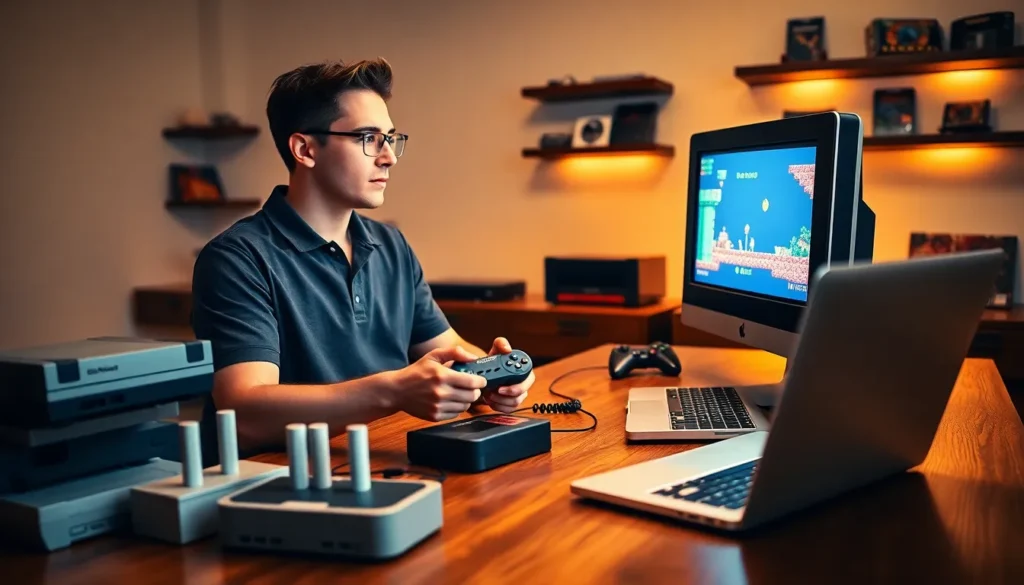
Emulators simulate classic hardware on modern devices. They offer convenience, save states, and visual enhancements that original systems never provided. A good emulator like RetroArch or Mesen can upscale graphics, apply filters, and reduce input delay through careful configuration.
Accuracy varies between emulators. Cycle-accurate options like bsnes reproduce every quirk of original hardware. Less precise emulators run faster but may introduce glitches in demanding games.
Retro gaming techniques differ slightly on emulators. Save states let players practice difficult sections repeatedly. Rewind features remove frustration but can undermine skill development. The best approach balances convenience with genuine challenge.
Mastering Classic Control Schemes
Classic games used limited inputs in creative ways. Two buttons and a directional pad created surprisingly deep control systems. Mastering these schemes requires unlearning modern habits.
D-Pad Precision
Digital inputs demand precision that analog sticks don’t. Pressing right means full speed right, no gradual acceleration. Retro gaming techniques emphasize clean directional inputs without accidental diagonals.
Many players prefer specific controller types. The Sega Genesis six-button pad handles fighting games exceptionally well. The SNES controller suits platformers with its rounded d-pad. Some enthusiasts modify controllers or build custom arcade sticks for better performance.
Button Timing and Rhythm
Older games often require frame-perfect inputs. A jump in Mega Man needs precise timing relative to enemy patterns. Castlevania punishes hesitation with its deliberate attack animations.
Retro gaming techniques for timing involve recognizing visual and audio cues. Sound effects often signal exactly when to act. Background music can sync with enemy spawns. Players who master these rhythms move through stages almost automatically.
Common Control Conventions
Certain patterns appear across classic libraries:
- Holding a button while pressing another triggers special moves
- Down-forward combinations execute slides or dashes
- Rapid tapping increases speed in racing and sports games
- Start pauses gameplay and often reveals hidden menus
Learning these conventions accelerates mastery across multiple titles. Skills transfer between games once players recognize shared design logic.
Speedrunning and Exploits in Retro Games
Speedrunning pushes retro gaming techniques to their absolute limits. Runners complete games as fast as possible, often using glitches and exploits that developers never anticipated.
Categories and Rules
Speedrunning communities establish categories for each game. “Any%” runs allow all exploits and skip most content. “100%” runs require collecting everything. “Glitchless” categories ban exploits entirely.
Retro games dominate speedrunning because their code contains exploitable quirks. Memory limitations forced developers to cut corners. Those shortcuts now enable tricks that shave minutes off completion times.
Common Exploit Types
Several exploit categories appear frequently in classic titles:
- Wrong warps transport players to unintended locations
- Overflow glitches manipulate memory by exceeding expected values
- Clipping lets characters pass through solid geometry
- Damage boosting uses enemy hits to gain invincibility frames
Super Mario Bros. runners use flagpole glitches to skip animations. Zelda players exploit screen transitions to bypass locked doors. These retro gaming techniques require extensive practice and precise execution.
Learning from Runners
Casual players benefit from speedrunning knowledge even without competing. Understanding enemy patterns, optimal routes, and hidden mechanics improves general gameplay. Watching skilled runners reveals secrets that most players never discover independently.
Communities like Speedrun.com document strategies for thousands of titles. Video tutorials break down techniques step by step. This knowledge base represents decades of collective experimentation.
Preserving and Maintaining Vintage Equipment
Retro gaming techniques extend beyond gameplay to equipment care. Original hardware requires maintenance to function properly after decades of use.
Cartridge Care
Game cartridges collect dust and develop oxidation on their contacts. Cleaning involves isopropyl alcohol and cotton swabs applied gently to connector pins. Blowing into cartridges, even though its nostalgic appeal, actually introduces moisture that accelerates corrosion.
Storage matters too. Cartridges should remain upright in cool, dry environments. Plastic cases protect against dust and UV damage. Battery-backed games like Pokemon eventually lose saves when internal batteries die.
Console Maintenance
Older consoles develop specific problems over time:
- NES connectors bend and fail to read games
- Sega CD laser assemblies weaken
- Capacitors in Sega Game Gear units leak and damage boards
- PlayStation disc drives struggle with aging motors
Many retro gaming techniques involve preventive maintenance. Replacing capacitors before they fail saves consoles. Cleaning disc lenses extends drive life. Retrobrite solutions restore yellowed plastic casings.
Display Considerations
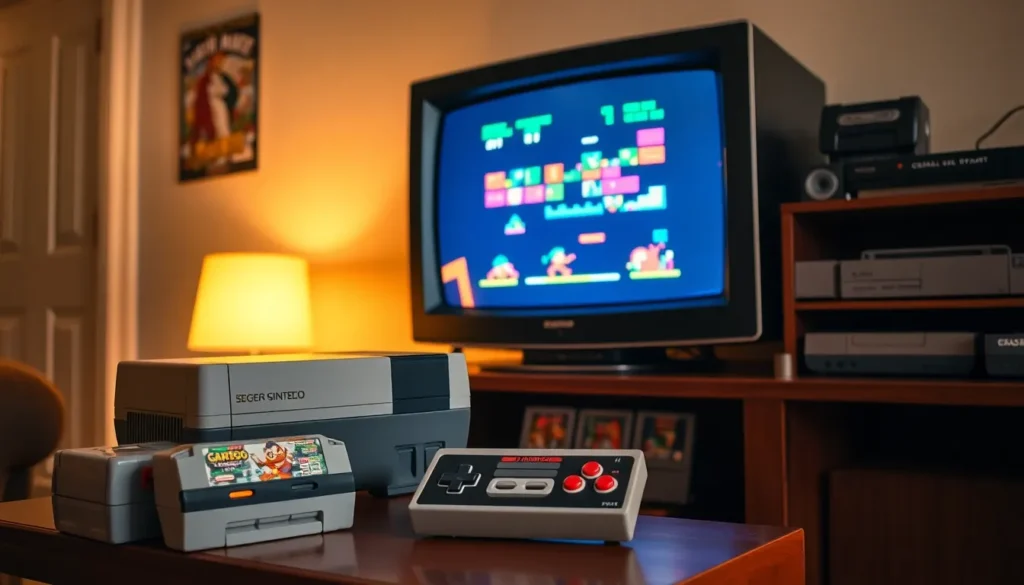
CRT televisions display retro games as intended. Light guns only work on CRTs. Scanlines and phosphor glow contribute to visual design that artists expected.
Modern displays require adapters and scalers for acceptable results. HDMI converters like the RetroTINK line minimize input lag while upscaling properly. Without quality conversion, classic games look blurry and feel sluggish on LCD panels.